

Signing in
Sign in to the portal with an email code, an SMS code, or a passkey. No password to remember.
Open the portal URL. You land on the Sign In screen.
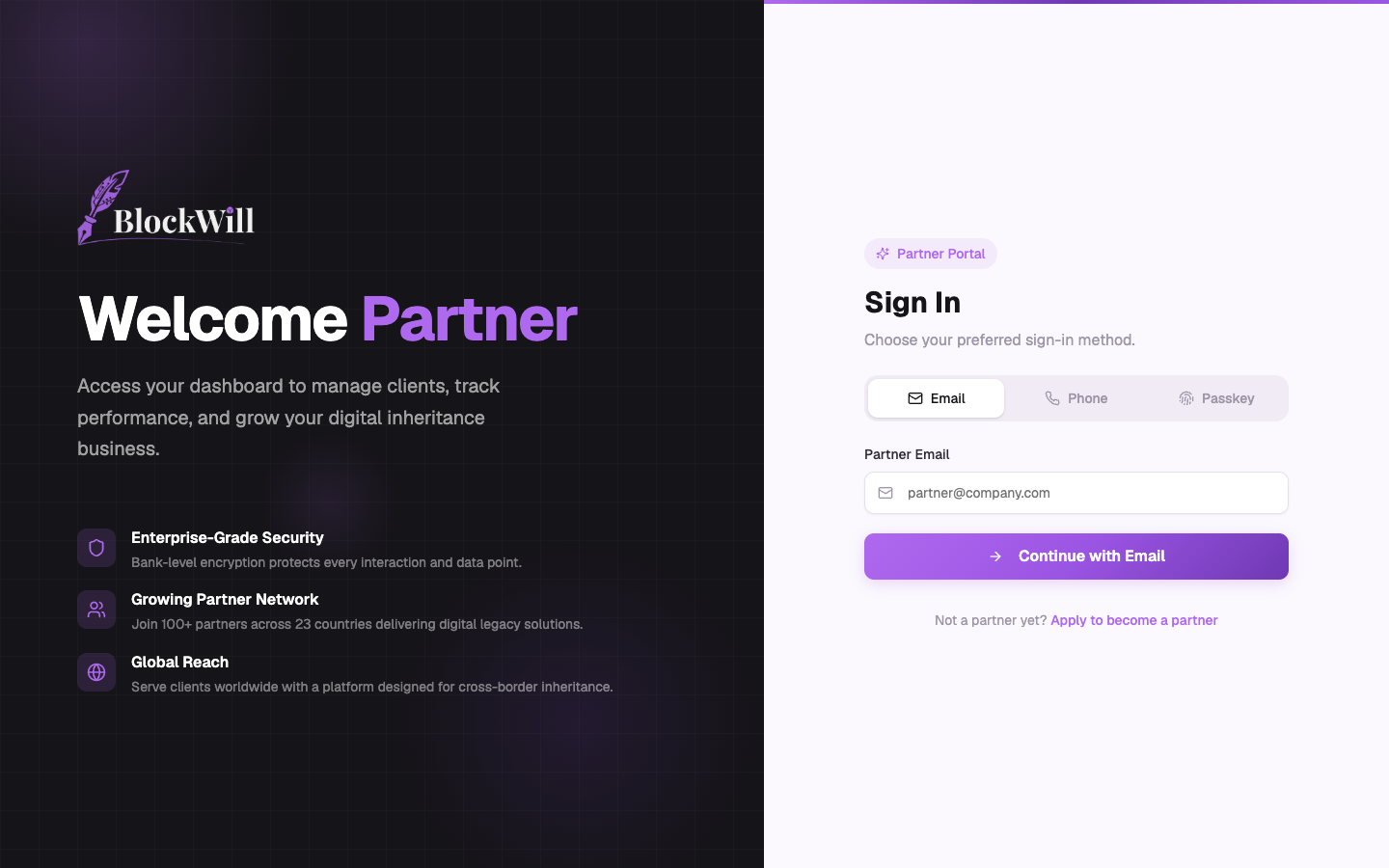
You can sign in three ways using the tabs on the right:
- Email: enter your partner email and click Continue with Email. BlockWill sends a 6-digit login code to your inbox. Enter it to finish signing in.
- Phone: enter your phone number in international format (for example
+9715...) and verify with the code sent by SMS. - Passkey: sign in with Face ID, Touch ID, Windows Hello, or a hardware security key, if you have registered one (see Settings).
Steps for email sign-in
Make sure the Email tab is selected.
Type your partner email in Partner Email.
Click Continue with Email.
Enter the 6-digit code from your email. It submits automatically once all six digits are in.
Not a partner yet? The Apply to become a partner link starts a partner application.