
Account
Earnings, your business profile, and account and security settings. Available to every partner.
Every partner has an Account section: Earnings, Profile, and Settings.
Earnings
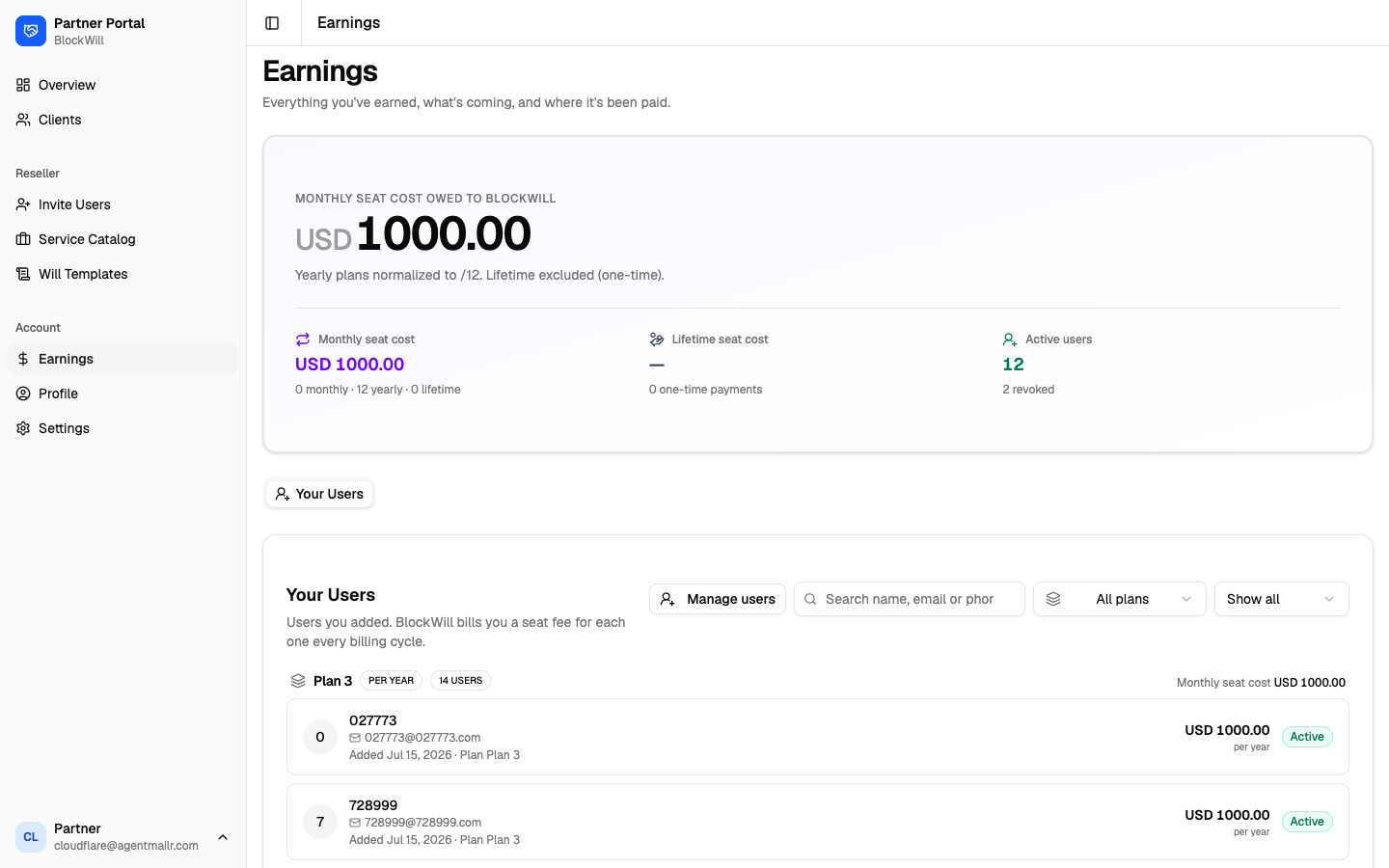
Earnings shows everything you have earned or owe, and where it has been paid. At the top is a summary hero, and below it a set of tabs. Which tabs you see depends on your flows, and the one that opens first is the one that matches your main flow.
| Tab | Shown when | What is in it |
|---|---|---|
| Client Fees | Services | Per-client service fees, paid and pending, with a status filter. |
| Your Users | Reseller | The users you added, their plan, and the seat cost you owe BlockWill for each. |
| Referrals | Referrals | Everyone who signed up with your partner code and the commission each earned. See Referral partner. |
| Payouts | Services or Referrals | Money BlockWill has paid out to you, by period, with status. |
A reseller-only account has no Payouts tab, and that is correct: a reseller owes BlockWill seat cost rather than being paid by it. Money only flows outward to you on the Services and Referrals flows.
Yearly plans are normalized to a monthly figure. Lifetime (one-time) plans are shown separately.
Payouts
Payouts are raised by BlockWill on the 5th of each month for the previous period. Each one totals your available credits minus any debits (refunds, adjustments), and starts at Pending Approval before BlockWill approves and pays it.
Credits do not become available the instant they are earned. A commission is held through a refund window, then credited, then held again for your account's payout buffer. The full sequence is in Referral partner.
Add your bank account in Settings before your first payout, or there is nowhere to send it.
Profile
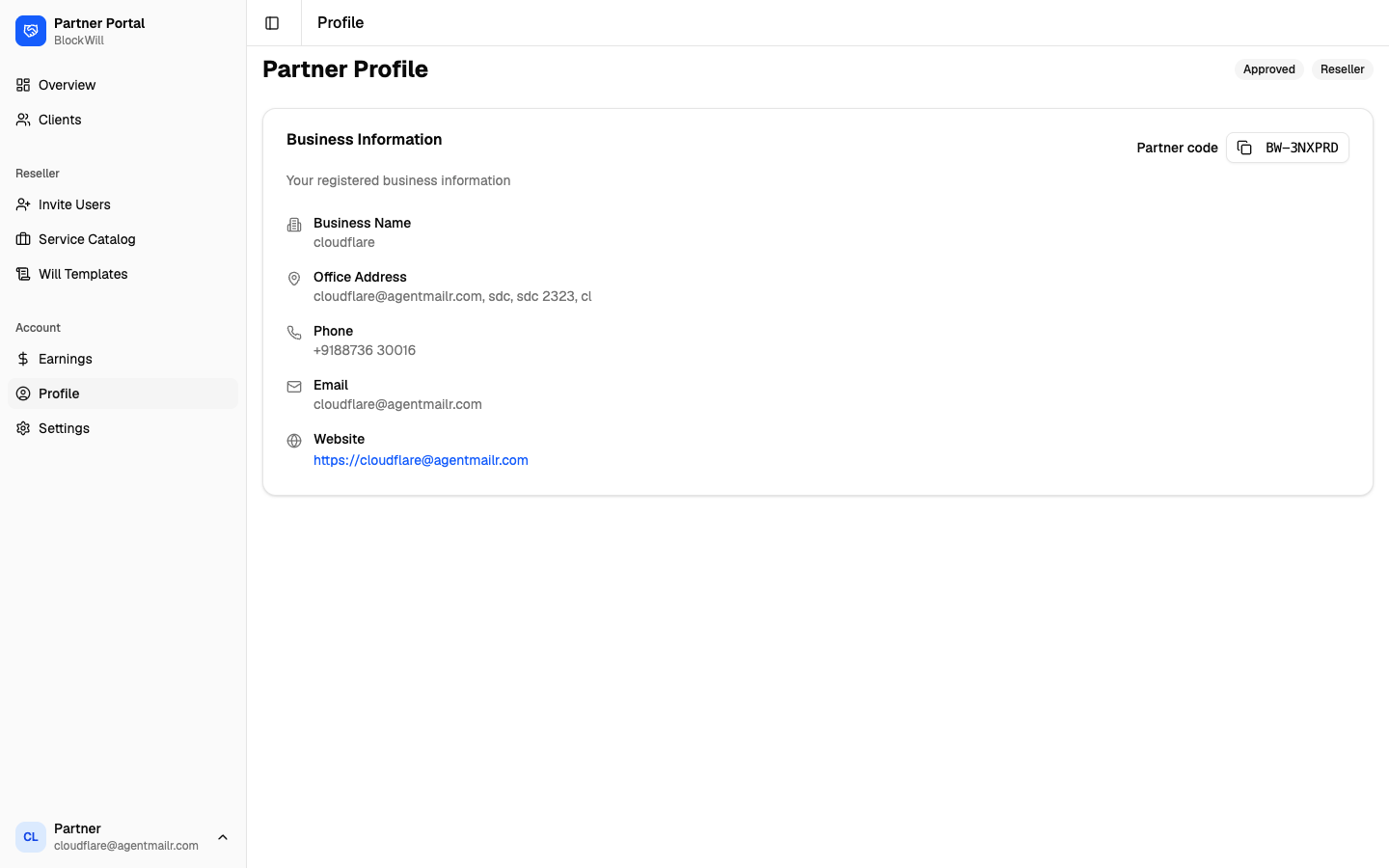
Your read-only business profile: approval status, flow badges (for example Reseller), your Partner code, business name, office address, phone, email, and website.
Nothing here is editable in the portal. To correct a business detail, message BlockWill.
Your Partner code (BW-XXXXXX) is also the code clients enter to be attributed to you.
See Referral partner.
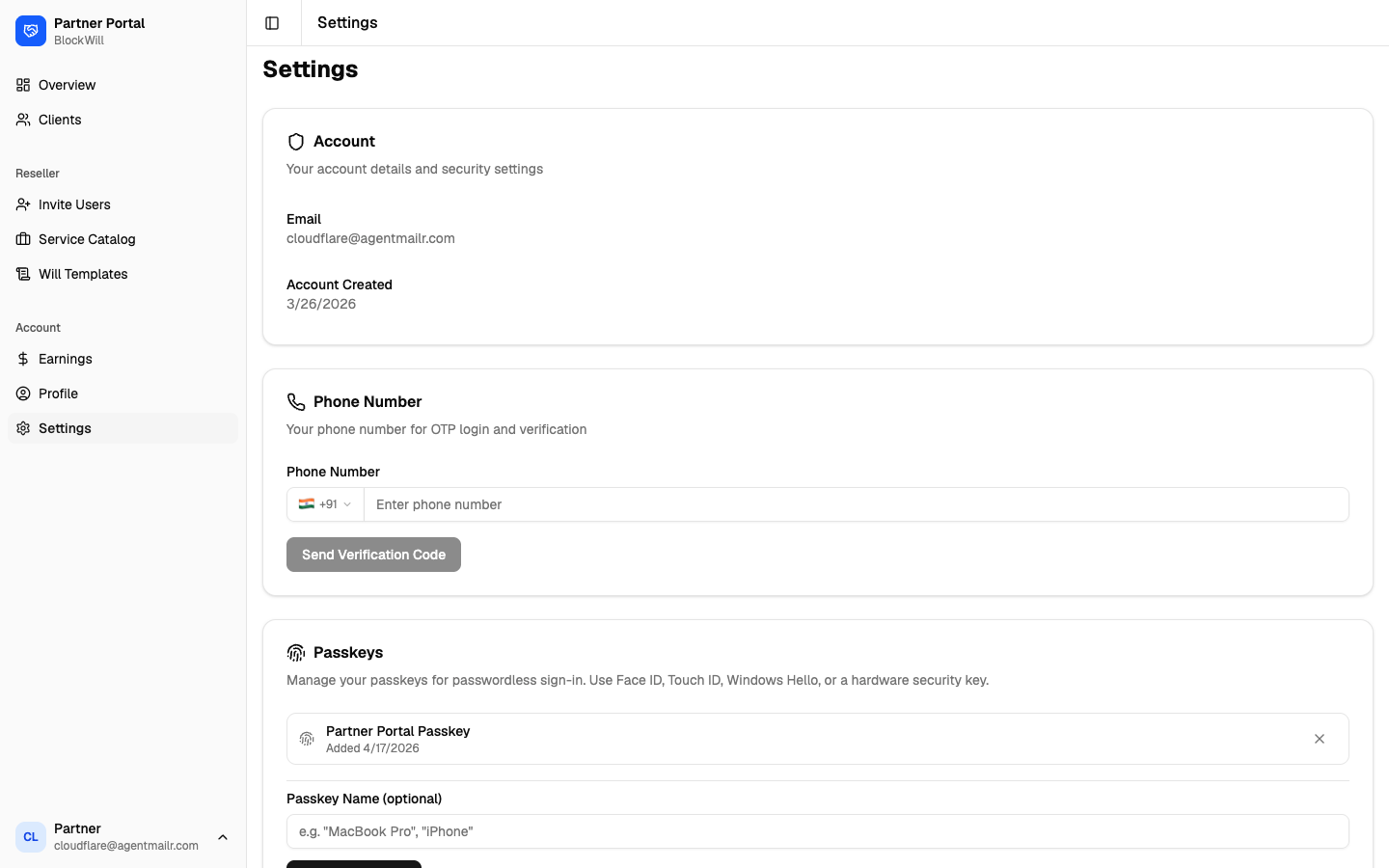
Settings
Manage your account and security:
- Account: email and account-created date.
- Phone Number: add or verify a phone for OTP login (Send Verification Code).
- Passkeys: add or remove passkeys for passwordless sign-in (Face ID, Touch ID, Windows Hello, or a hardware key).
- Bank Account: add the account that receives commission payouts. Details are encrypted with AES-256. Only the last 4 digits are shown after saving.
- Delete Account: request full deletion of your partner account and data (GDPR Article 17). This is irreversible.