

Settings
A tour of the settings tabs, your currency, what BlockWill emails you, and how to close your account.
The tour
Settings holds your account preferences, security tools, privacy and consent switches, and the danger zone. Most of it is set once and forgotten.
Asset currency
Every asset is valued in a currency, and the app shows those values converted into a single display currency so your net worth adds up to one number.
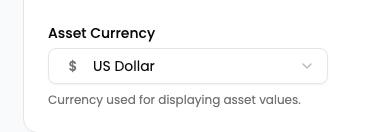
This is a preference on your account, not on a single vault. Changing it re-displays every vault you own. It does not change what any asset is actually worth, only the currency the figures are shown in.
What BlockWill emails you
Marketing email is separate from the mail the product has to send you. Warning emails before your inactivity timer fires, invitations, and handover notices are not optional, because they are the mechanism working.
Wellness check-ins are the one you can turn off, and they live here too. See Vault Relay for what that changes.
Closing your account
Deletion is a request, not an instant wipe. You confirm by typing your email, the account enters a grace period, and you can cancel during it. Scheduling it also requires a passkey or two-factor check, which the clip stops short of.
When the grace period ends, the vault contents go with it. Nobody at BlockWill can restore them, and neither can your beneficiaries. If the vault has already been allocated to people, tell them before you start this.